· Printing · 5 min read
Student project printing in Doha: binding options and how to get it right before the deadline
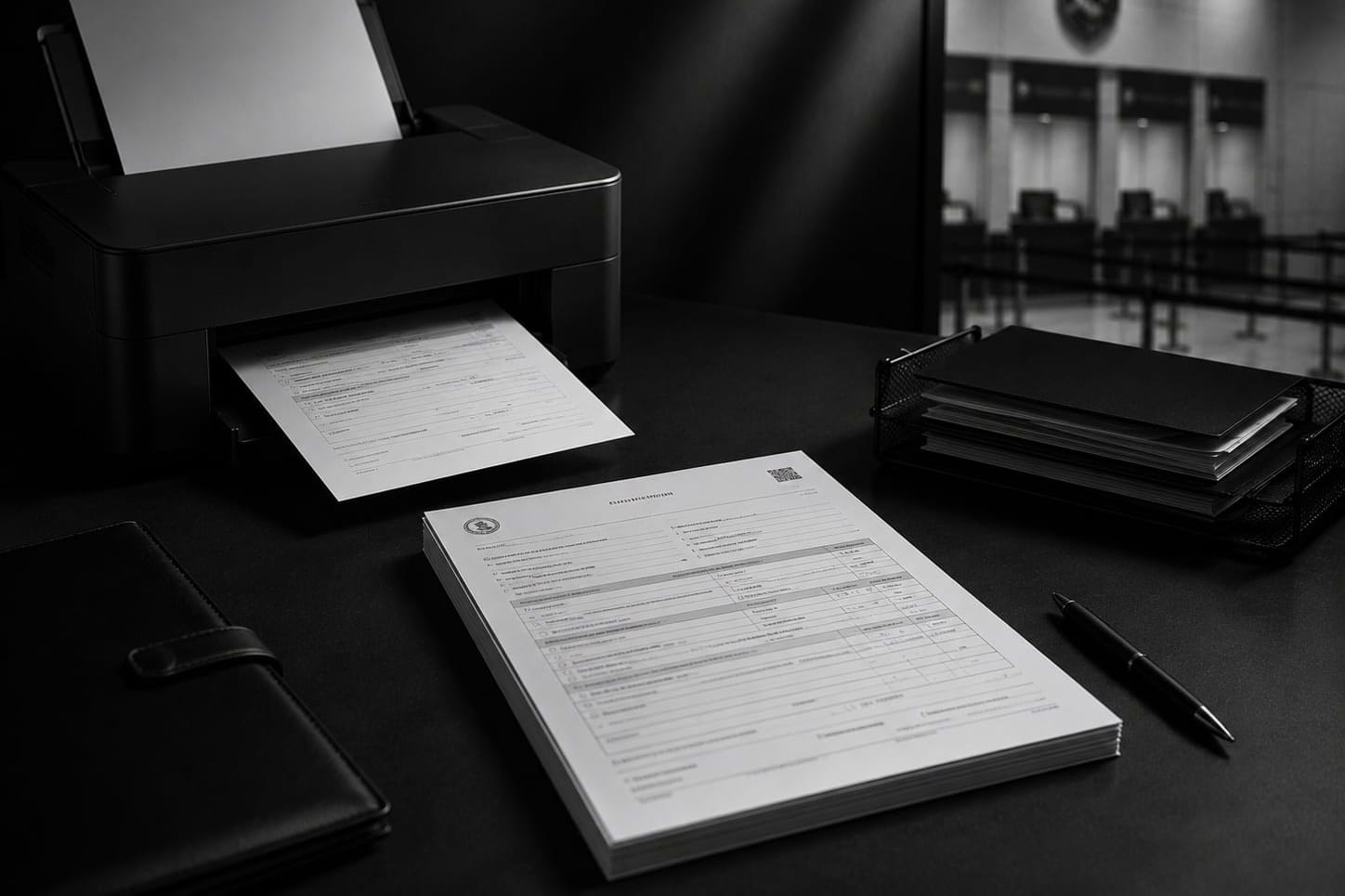
Most students who end up rushing at a print shop didn't leave the writing too late. They left the printing too late. The file is finished at midnight, the binding style hasn't been decided, and the department wants a bound copy in the morning.
This guide covers project printing and binding in Doha from the practical side: which binding suits which kind of submission, what changes the price, and what to check in your file before you send it. A little preparation removes most of the stress.
Binding options for student projects
On our student orders there are four binding choices, and each suits a different kind of submission.
- Unbound. Loose printed pages at no extra charge. Useful when you still want to check the printout before binding, or add pages later.
- Staple or corner. Adds QAR 3. Right for a short assignment that only needs to stay together.
- Spiral bound. Adds QAR 15. A practical choice for project reports, presentations and portfolios that will be flipped through and annotated.
- Thermal bound (hardcover-style). Adds QAR 20. The more finished option, and the one students usually choose for theses, final-year projects and anything that will be kept.
Before you choose, find out what your department expects. Some ask for a specific binding style on final submissions, while others leave it to you.
Colour or black and white
Black and white is the base price, and colour adds QAR 5 to the order. The question is what your pages actually contain.
A text-heavy report with a few simple tables reads perfectly well in black and white. A design, architecture or media project, where images, diagrams and colour-coded charts carry the argument, usually needs colour, because a grey version can make the work look unfinished.
The order form asks for one print colour setting. If your project mixes the two, say so in the notes and ask us how to handle it.
Preparing your files before you upload
The student printing order accepts 1 to 10 files, in PDF, Word or image formats. If your project is large, you can split it into chapters, which is often easier than wrestling with one huge file.
A few checks save a reprint:
- Export to PDF where you can. A Word document can look different on another computer, with fonts, spacing and page breaks shifting. This matters more with mixed Arabic and English text, so scroll through the whole file after exporting.
- Leave room on the binding edge. Pages that are spiral or thermal bound lose a little margin on the spine side. Text pushed right to the edge looks cramped once bound.
- Check the page order and numbering. Cover page, contents, chapters, appendices. Fix the order before you upload, not after you collect.
- Look at the images. A low-resolution picture that looks fine on a phone often looks soft on paper.

How many copies do you need
You can order 1, 2 or 3 copies. The second copy adds QAR 10 and the third adds QAR 20.
Think about who needs a copy before you order. Many students need one for the department or supervisor and one to keep, and group projects often need a copy for each member. Ordering them together is simpler than coming back for a reprint later.
Working back from the deadline
The student printing page says same day in most cases, but it's a sensible habit to treat that as a convenience rather than a plan. End-of-semester weeks are busy for every print shop in Doha, because everyone's deadlines fall at the same time.
A simple order of work:
- Finish and proofread the file, then export it to PDF.
- Decide the binding with your department's requirement in mind.
- Upload the files and choose colour, binding and copies.
- Use the notes box for the page count if you know it, your deadline, and whether you want double-sided or single-sided printing.
- Collect the printed and bound project with time to look through it before you submit.
That last step matters. Flip through the finished copy at the counter or straight after collecting it, so a missing page or a wrong cover is found while there is still time to fix it.
How ordering works with us
You upload your project online, pick your options, and collect it printed and bound from our studio at Penthouse, Doha Mall, Abu Hamour. Student printing starts from QAR 10, and the options above add to that base price as you choose them.
We're open Saturday to Thursday 8 AM to 11 PM and Friday 4 PM to 11 PM, which helps when a project only comes together late in the evening.
Frequently asked questions
Which binding is best for a thesis or final-year project?
Thermal binding, described on our order page as hardcover-style, is the most finished option and is the one students commonly choose for theses. Spiral binding is a practical alternative if the document will be annotated. Check your department's requirements first.
How much does project printing cost in Doha?
Our student printing starts from QAR 10. Colour adds QAR 5, staple or corner binding adds QAR 3, spiral binding adds QAR 15, thermal binding adds QAR 20, and extra copies add QAR 10 for the second and QAR 20 for the third.
Can I get my project printed and bound on the same day?
Our student printing page says same day in most cases. If you have a tight deadline, put it in the notes when you order and send your files as early as you can.
What file formats can I upload?
You can upload 1 to 10 files as PDF, Word documents or images. For a large project, you can split it into chapters. Exporting to PDF first helps keep the layout the way you set it.
If you're ready to print, you can order student project printing and binding online, start a project with questions about your file, or ask us on WhatsApp at +974 3112 3552. Our counter is in Doha Mall, Abu Hamour, if you'd rather collect and check it in person.
Written by
Black Pearl Studio Team