· Printing · 6 min read
Document printing for the MOI Services Centre: how upload, print and delivery to Mesaimeer works
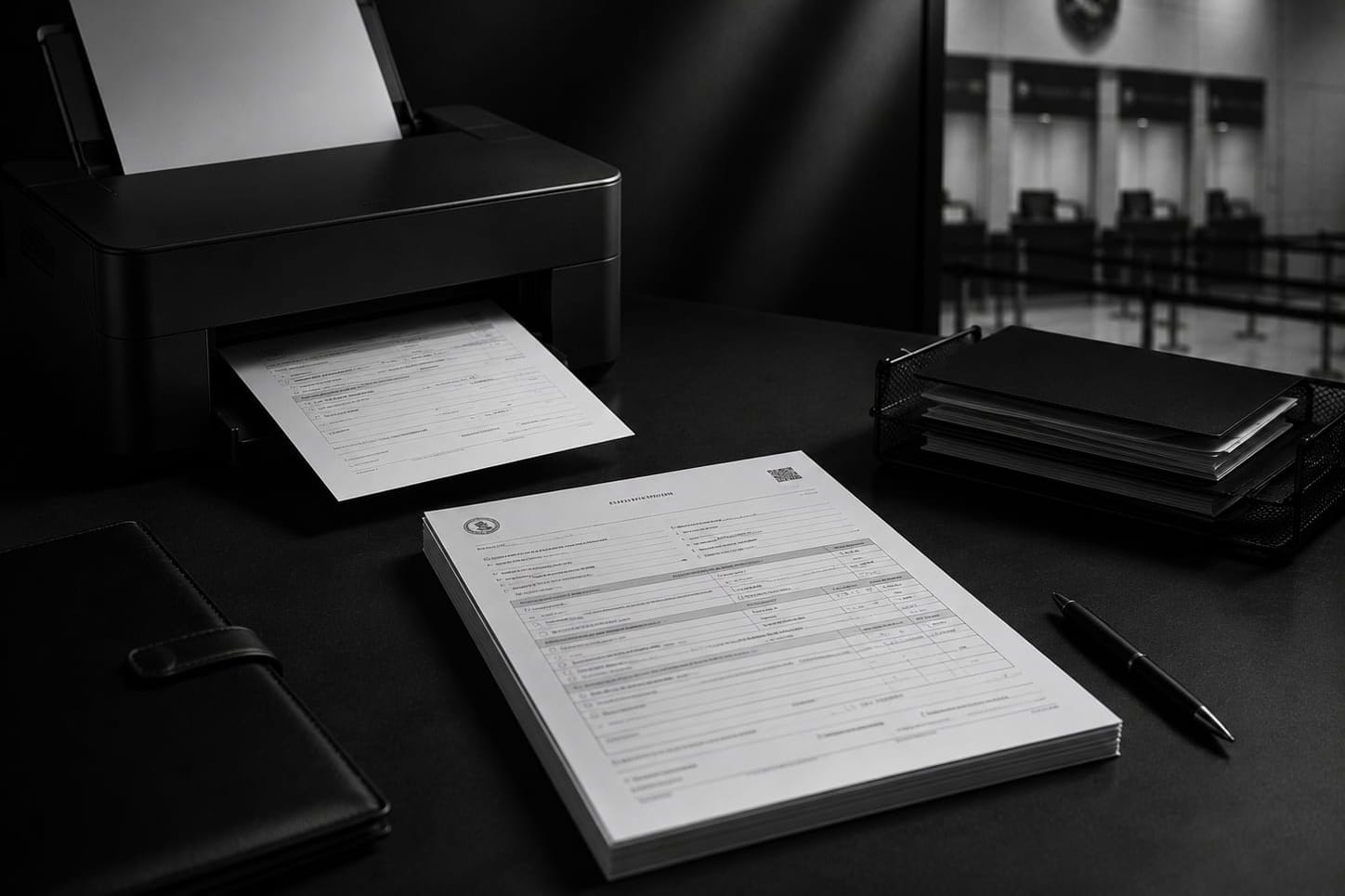
Most ministry errands in Qatar are slowed down by something small: a form that needs printing, a page that came out blurry, a copy that is missing. The queue is not the problem so much as arriving at the counter without the paper in your hand.
This post explains how document printing for the MOI Services Centre works with us: what you upload, the choice between collecting and delivery, what it costs, and what to check before you print anything.
What the service is
You upload the document on our website, and we print it. From there you have two options: collect it from our studio at Doha Mall, or have it delivered straight to the counter at the MOI Services Centre in Mesaimeer.
It is built for ministry paperwork. Forms, IDs, applications and printouts for a ministry counter are exactly what the order page is set up for. You can upload between one and ten files per order, as a PDF, a Word file, or a photo of the document.
The idea is simple: you arrive, or your printout arrives, with the paper already done, so you are not hunting for a printer at the last minute.
Collect or deliver
The order form asks you to choose one of two options.
- Collect from Doha Mall. This stays at the base price. It suits you if you are passing through Abu Hamour anyway, or if you want to look over the printout yourself before it goes anywhere.
- Deliver to the MOI Services Centre, Mesaimeer. We bring the printed documents to the counter there. It suits you if you would rather not make the trip with a stack of paper, or if the printing is the only thing keeping you from the counter.
Delivery is currently offered to the MOI Services Centre in Mesaimeer only. If you need another government office, ask us and we will confirm whether we can cover it. We would rather tell you honestly than promise a route we do not run.
What it costs
Document printing starts from QAR 10. What changes the price is what you choose on the order form:
- Colour: black and white is the base price; colour adds QAR 5.
- Copies: one copy is the base price; two copies add QAR 5 and three add QAR 10.
- Delivery: collection stays at the base price. Delivery typically runs QAR 15–20 depending on how many documents are involved.
For most forms, black and white is enough, but check what the specific service asks for before you choose.
What to upload
A clean file makes a clean printout. A few habits help:
- Use the original PDF where you have one. A PDF downloaded from the official source prints more reliably than a screenshot of it.
- If you only have a photo, take it flat and in good light. Photograph the page from directly above, with all four corners visible and no shadow across the text. A skewed or dim photo gives a skewed, dim printout.
- Keep one document per file where possible. With up to ten files in an order, it is easier to see what is what, and easier for you to check that nothing is missing.
- Split a mixed set sensibly. If you are printing an application plus supporting pages, upload them in the order they will be handed over.
IDs and similar documents are fine to upload for this purpose. As with anything personal, only send what the errand actually needs.
Tell us the counter and the time
The order form has a notes box that asks which counter the printout is for and by when you need it. Fill it in properly. It is the difference between a printout that is simply done and one that is done for the right place and the right moment.
A useful note is short and specific: the service name, the counter or department if you know it, and the time you need the documents there. If you are unsure, say so and we can talk it through on WhatsApp.
Check the requirements before you print
We print what you give us. We do not decide which documents a ministry service needs, and that is worth checking before you place the order, because requirements can differ between services and can change.
Before printing, confirm which documents the specific transaction needs, how many copies, and whether colour or black and white is expected.
Also confirm that the MOI Services Centre in Mesaimeer handles your service and when it is open, particularly around public holidays, Ramadan hours and Eid.
If the form still needs to be filled in or typed, our typing centre can help, and our post on a typing centre near MOI Mesaimeer covers what to bring so you can avoid a second trip.
Frequently asked questions
How much does document printing for a ministry cost?
It starts from QAR 10. Colour adds QAR 5, extra copies add QAR 5 for two or QAR 10 for three, and delivery to the MOI Services Centre typically runs QAR 15–20 depending on how many documents. Collection from Doha Mall stays at the base price.
Can you deliver to government offices other than the MOI Services Centre?
Delivery is currently offered to the MOI Services Centre in Mesaimeer. If you need another government office, ask us and we will confirm whether we can cover it.
What files can I upload?
You can upload one to ten files per order, as PDF, Word or a photo of the document. Forms, IDs, applications and printouts for a ministry counter are all suitable.
How do I know which documents my ministry service needs?
The ministry or department handling your service sets the requirements, so check with them directly before you print. We can print whatever you upload, but we cannot confirm what a particular transaction requires.
If you are printing for a ministry counter, you can place the order on our document printing and ministry delivery page. Choose collection from our studio at Penthouse, Doha Mall, Abu Hamour (open Saturday to Thursday 8 AM–11 PM and Friday 4 PM–11 PM) or delivery to Mesaimeer, and note the counter and the time you need it. Questions first? Start a project or send us a WhatsApp message at +974 3112 3552.
Written by
Black Pearl Studio Team