· Printing · 6 min read
Arabic photo books that open from the right: designing a book for Arabic readers
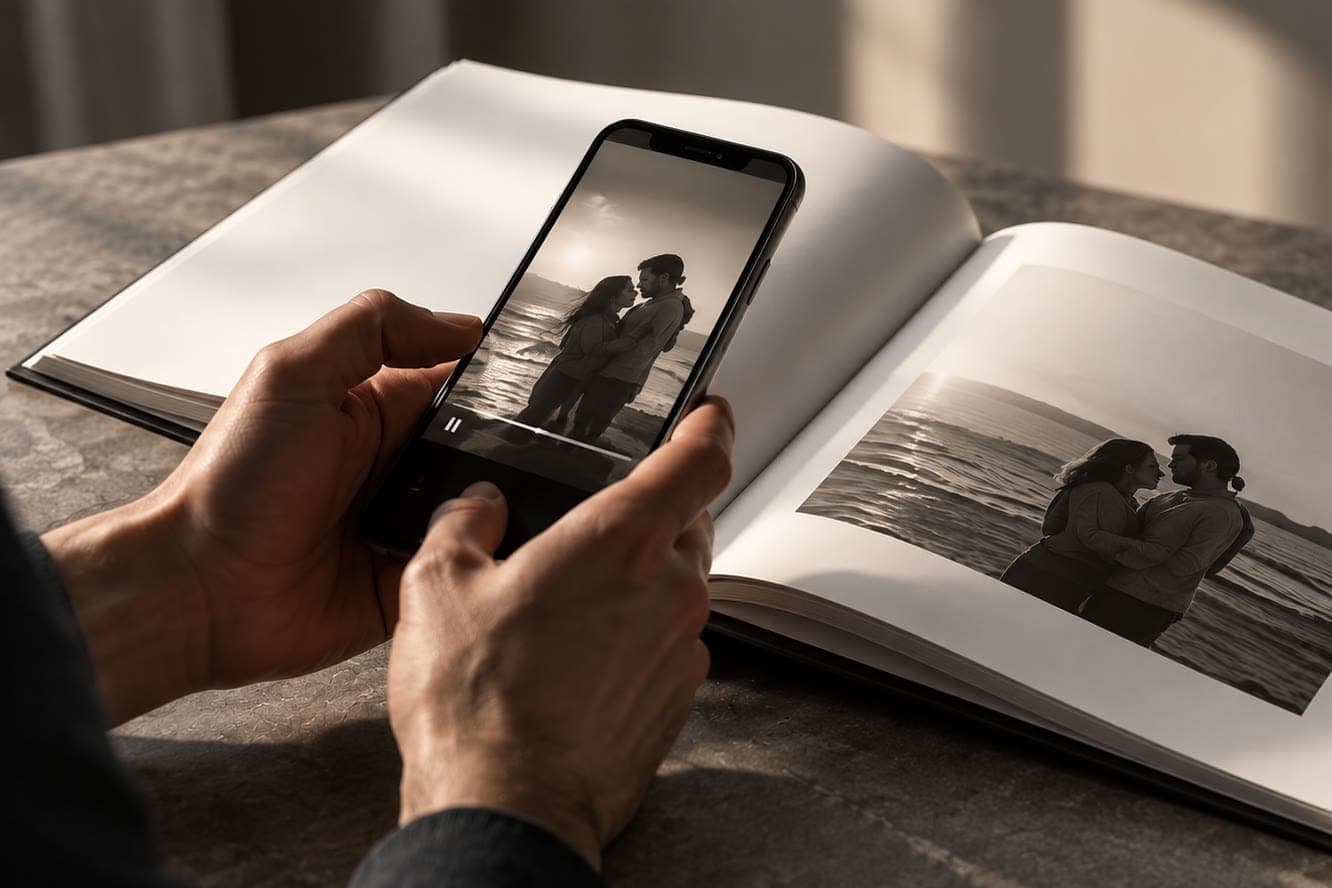
An Arabic book starts at what an English reader would call the back. The spine sits on the right, the first page is on the right, and the eye moves across each spread from right to left. A photo book for Arabic readers that ignores this feels slightly off from the first page, even if nobody can say why.
This is a practical guide to designing an Arabic photo book that opens from the right: what flips, what stays the same, and how to set it up in our online designer so the book arrives the way your family will actually read it.
What changes in an Arabic photo book
Five things turn around when a book opens from the right:
- The spine. It is on the right-hand edge, and pages turn from the left edge towards the right.
- The first page. The opening photo sits on the right of the first spread, not the left.
- The story order. A sequence of photos, such as the engagement, the wedding day, then the first dance, runs from right to left across each spread.
- The text. Arabic runs right to left. Numbers and any English names or phrases inside it still read left to right.
- The fold. On every spread the fold is in the middle, so keep faces and important words away from it, exactly as you would in an English book.
The common mistake is to build the book in the usual left-to-right order and only translate the captions. The result is a book whose pictures run one way and whose words run the other.
Setting the binding in the online designer
In our online designer for photo books, the book has a Binding option with two choices: opens from the left (English books) or opens from the right (Arabic books). The default is the left, so change it before anything else.
When you choose the right, the covers and spreads mirror, so you arrange the pages in the same order your readers will see them. Setting it first saves you from rebuilding spreads afterwards.
The designer works page by page. You upload your photos, choose layouts, themes or page colours, and your design saves automatically, so you can come back to it. Our studio prepares the final print files by hand from your original photos, which means your design is a guide and small details may be refined. For the full walkthrough, see how to make a photo book online.
Planning the story from right to left
Before you place a single photo, write the story in the order an Arabic reader will meet it. Decide the opening photo, the closing photo, and what sits on the first spread.
A book that opens from the right is not a mirrored English book. Its whole sequence runs the other way.
A few habits help:
Check the pairs in the spreads view. The designer can show pages as spreads. Look at each right-and-left pair together, because that is how the reader sees them.
Let people face into the book. In a right-to-left book, a subject looking or walking towards the left of the page often feels like moving forward. It is a matter of taste rather than a rule, but it is worth a glance when you choose which photo goes on which side.
Re-check after auto-fill. Auto-fill places the photos that are not yet on a page in the order shown in your photo tray. It is a quick start, but go through the spreads afterwards and swap anything that breaks the story. If the book is for a wedding, our notes on choosing photos and planning the pages apply just as much here.
Arabic text, titles and captions
Each text box in the designer has a direction setting, right to left or left to right, plus alignment and font choices. Set Arabic text boxes to right to left, then check that the alignment sits on the side you expect.
A few points are worth checking on screen:
- Pick a font that shows Arabic letters properly in the designer. If a font looks broken on screen, change it.
- Keep captions short. A line of Arabic beside a photo reads better than a paragraph squeezed into a corner.
- For a bilingual book, choose the binding by the main language, then set each text box to its own direction.
- Keep the spine text short. The spine width is set at production and depends on the final page count and paper.
A small web address, blackpearlqa.com, is printed at the bottom of the back cover.
Size, cover and what it costs
The sizes are 8 × 8 in and 12 × 12 in (both square), 10 × 8 in, A5 and A4, or a custom size no smaller than A5. You can choose portrait or landscape. Pages are printed on 250 gsm photo paper, and you choose a softcover or a hardcover. Books start at 20 pages, and a sheet is two pages.
For a 20-page book, softcover starts from QAR 250 and hardcover from QAR 450. The price depends on size and page count, and extra pages are QAR 15 each. If you design the book yourself in the online designer there is no design charge. Nothing is paid online: we review your design and confirm the final price with you before printing.
If you would rather not design it, you can send photos through the upload form and our studio lays out the book. The design charge is QAR 100, or QAR 150 with a female designer only. Mention in the notes that the book is Arabic and should open from the right. For help choosing between covers and sizes, read our guide to photo book printing in Qatar.
When the book is ready, you can collect it from the studio or have it delivered in Qatar, with the delivery fee confirmed by the studio.
Frequently asked questions
Can I make an Arabic photo book that opens from the right?
Yes. The online designer has a Binding option with a choice for books that open from the right (Arabic books). Choose it first, and the covers and spreads mirror so you can arrange the pages in reading order.
Does an Arabic photo book cost more than an English one?
Our published prices depend on the cover, the size and the number of pages. The opening direction is not listed as a separate charge, and we confirm the final price with you before printing.
Can I mix Arabic and English in the same book?
Yes. Choose the binding by the main language of the book, then set the direction of each text box individually, right to left for Arabic and left to right for English.
Can the studio design the Arabic book for me?
Yes. Send your photos through the upload form and our studio lays out the book. The design charge is QAR 100, or QAR 150 with a female designer only. Add a note that the book is Arabic and should open from the right.
If you are ready to build your book, open the photo book designer and choose the right-opening binding first. Our studio is at Penthouse, Doha Mall, Abu Hamour, Doha. You can start a project or ask a question on WhatsApp at +974 3112 3552.
Written by
Black Pearl Studio Team